> For the complete documentation index, see [llms.txt](https://docs.prismacloud.io/llms.txt). Markdown versions of documentation pages are available by appending `.md` to page URLs; this page is available as [Markdown](https://docs.prismacloud.io/admin-guide/33/web-application-and-api-security-waas/waas-api-protection.md).
# API protection
WAAS can enforce API security based on specifications provided in the form of [Swagger](https://swagger.io/) or [OpenAPI](https://www.openapis.org/) files. Alternatively, you can manually define your API (e.g., paths, allowed HTTP methods, parameter names, input types, value ranges, and so on). Once defined, you can configure the actions WAAS applies to requests that do not comply with the API’s expected behavior.
Users should be careful when enabling [Prisma Session Cookies](/admin-guide/33/web-application-and-api-security-waas/waas-advanced-settings.md#prisma-session) along with API protection. [Prisma Session Cookies](/admin-guide/33/web-application-and-api-security-waas/waas-advanced-settings.md#prisma-session) mandates client’s support of cookies and javascript in order for them to reach the protected application. As APIs are often accessed by "primitive" automation clients, avoid enabling [Prisma Session Cookies](/admin-guide/33/web-application-and-api-security-waas/waas-advanced-settings.md#prisma-session) unless you are certain all clients accessing the protected API support BOTH cookies AND Javascript.
## Import API definition from Swagger or OpenAPI files
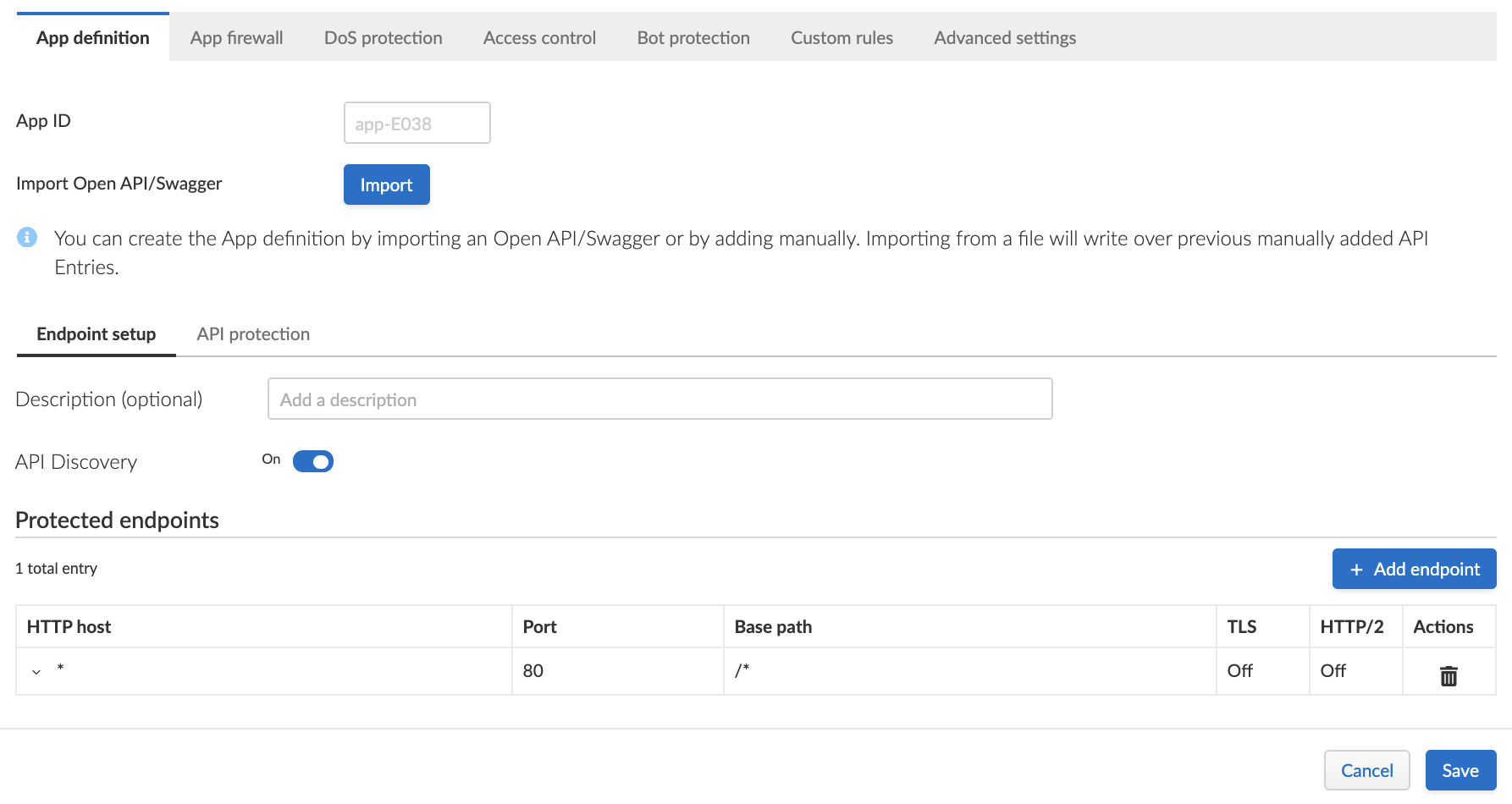
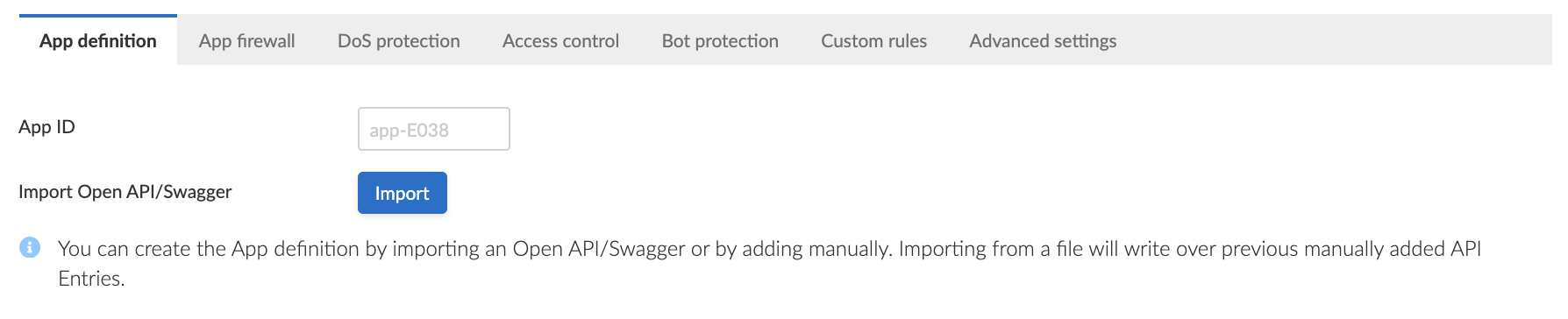
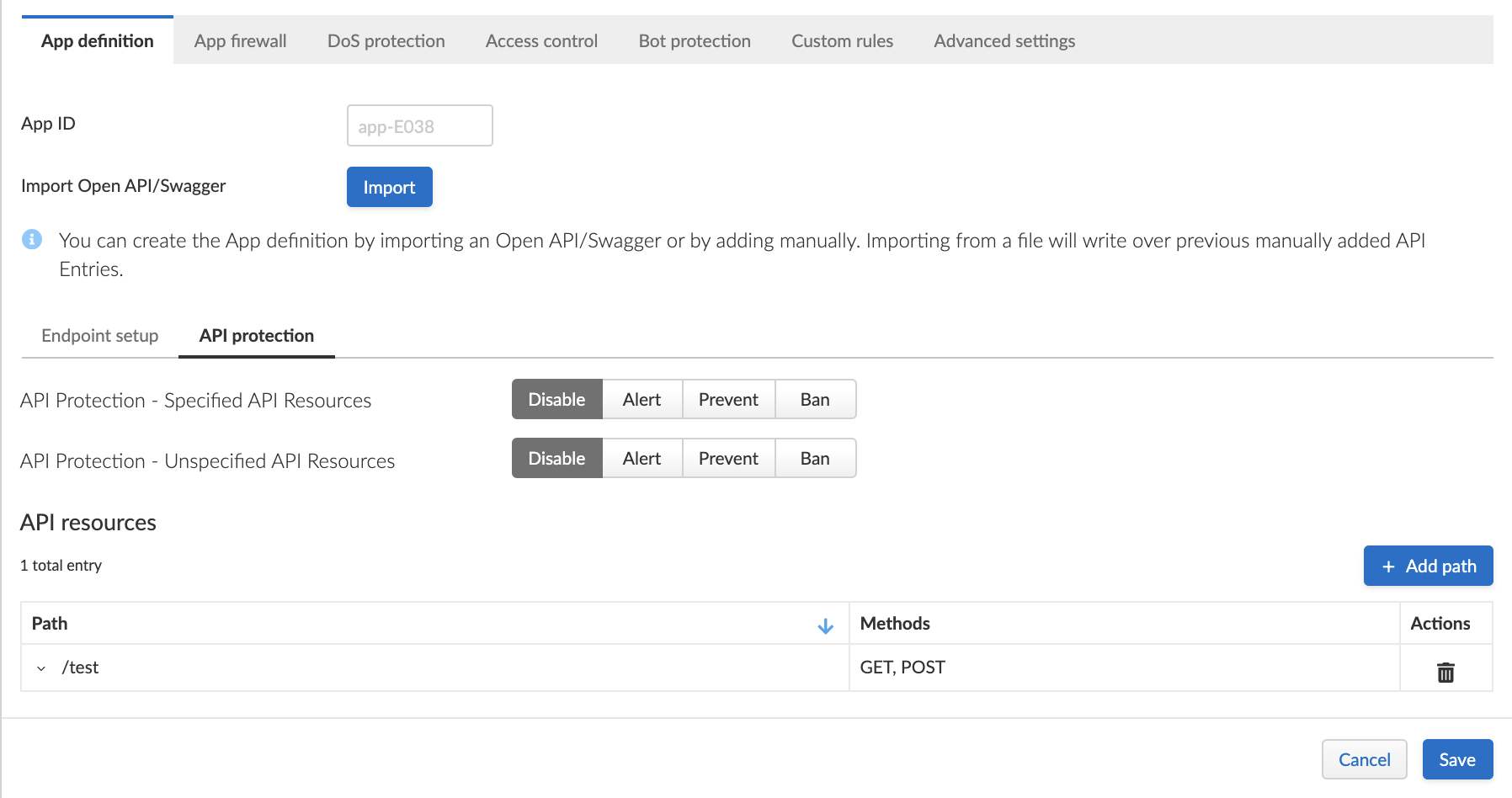
1. Click the **App definition** tab.
2. Click **Import**.
3. Select a file to load.
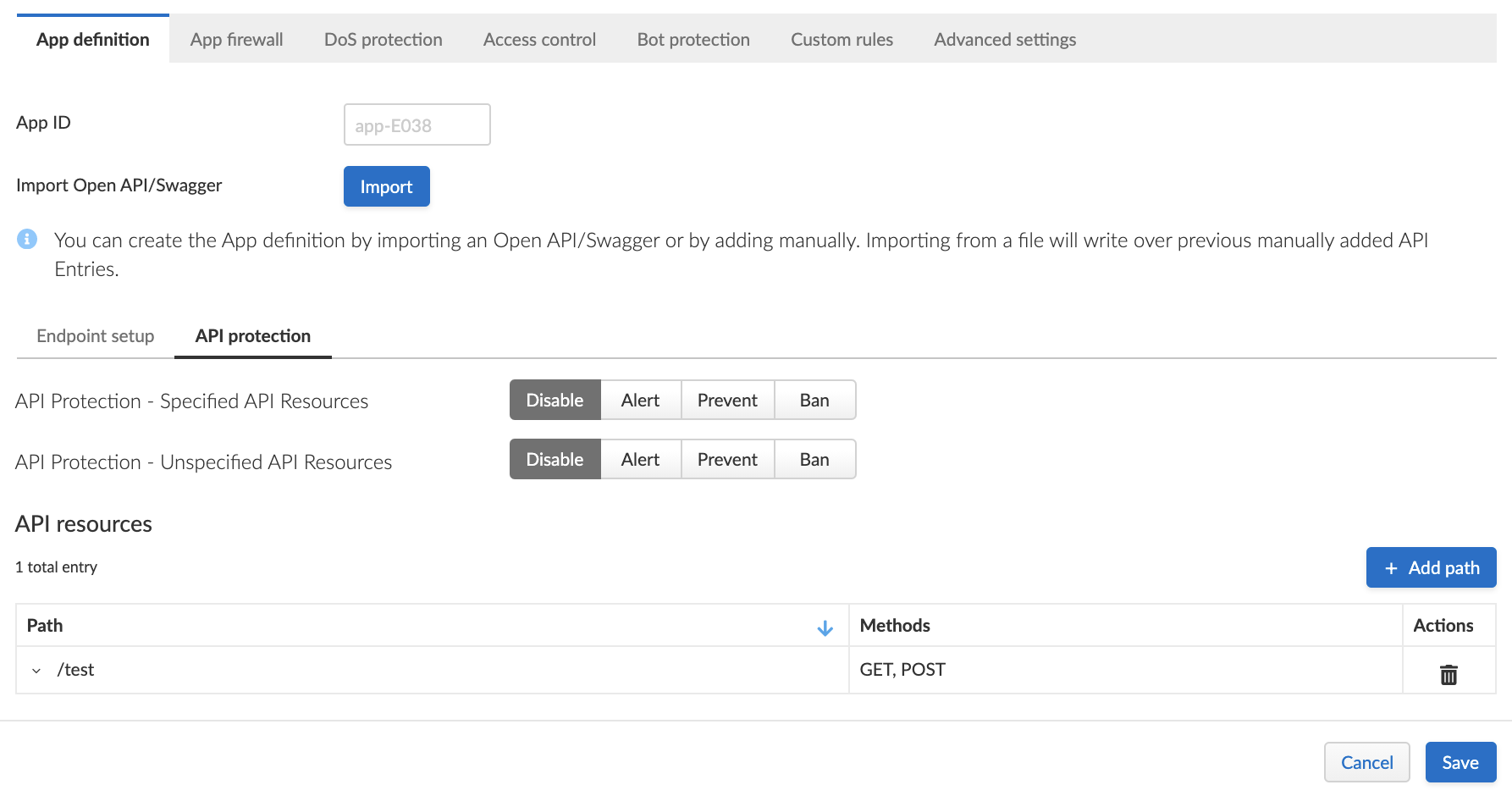
4. Click the **API protection** tab.
5. Review path and parameter definitions listed under **API Resources**.
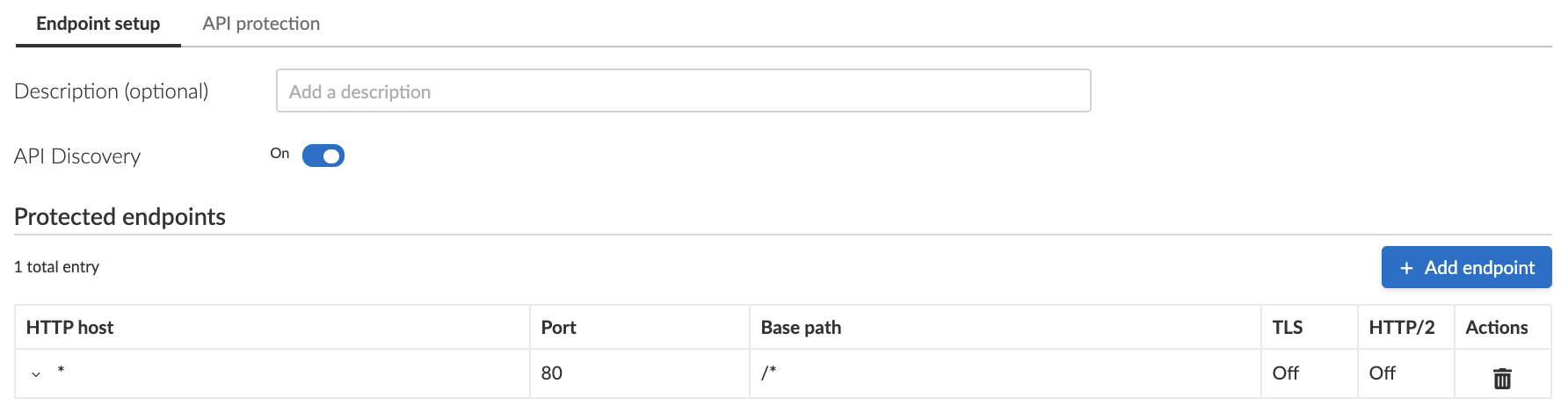
6. Click the **Endpoint setup** tab.
7. Review protected endpoints listed under **Protected Endpoints** and verify configured base paths all end with a trailing `*`.
Base path in the endpoint definition should always end with a `*` e.g. *"/\*"*, *"/api/v2/\*"*. If not configured that way, API protection will not apply to sub-paths defined in the API protection tab.
8. Go back to the **API protection** tab.
9. Configure an **API protection** [action](#actions) for the resources defined under **API resources**, and an [action](#actions) for all other resources.
## Define an API manually
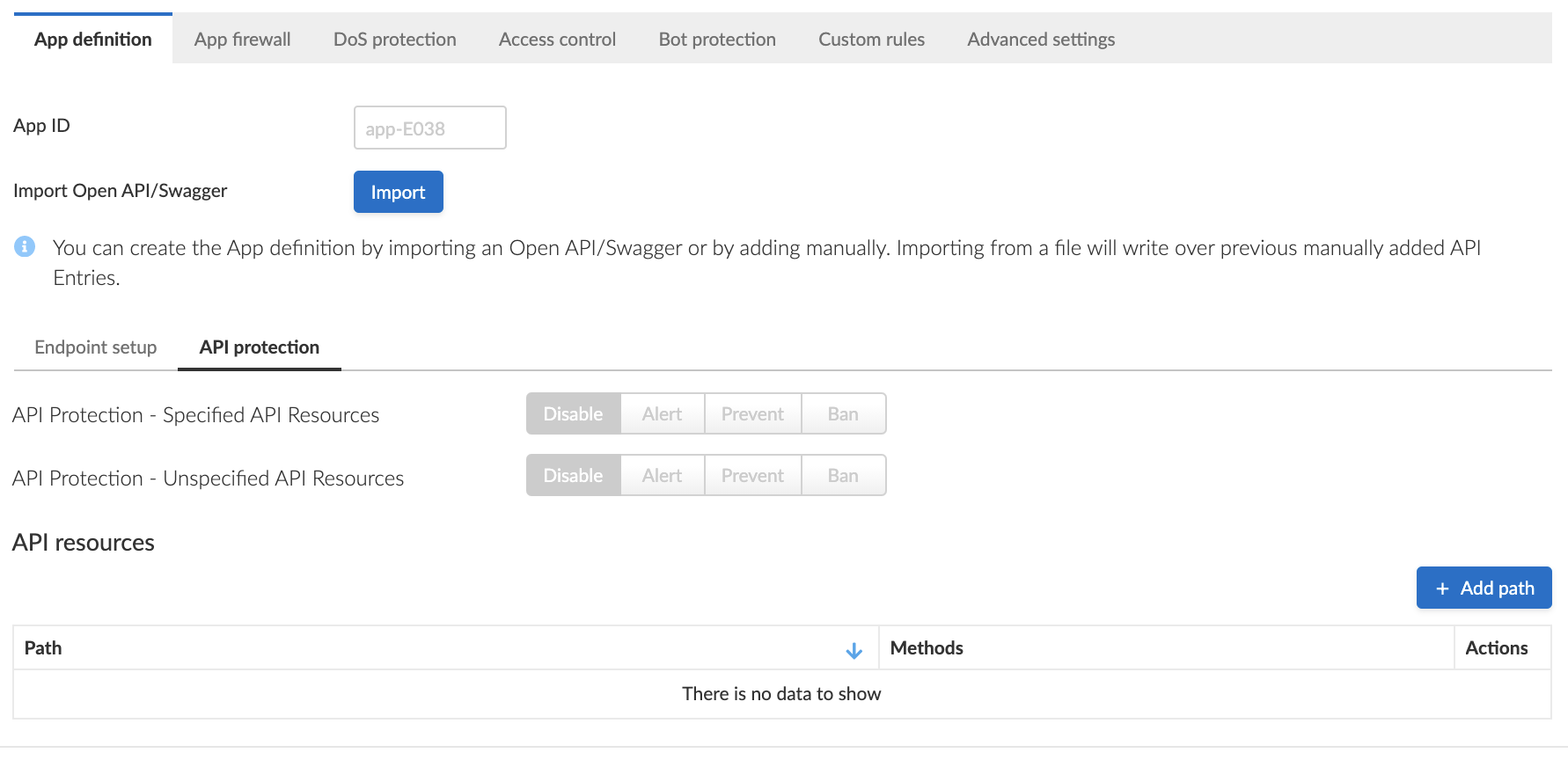
1. Click the **App definition** tab.
2. Click the **Endpoint setup** tab.
3. Add protected endpoints under **Protected endpoints** and verify configured base paths all end with a trailing `*`.
Base path in the endpoint definition should always end with a `*` e.g. *"/\*"*, *"/api/v2/\*"*. If not configured that way, API protection will not apply to sub-paths defined in the API protection tab.
4. Click the **API protection** tab.
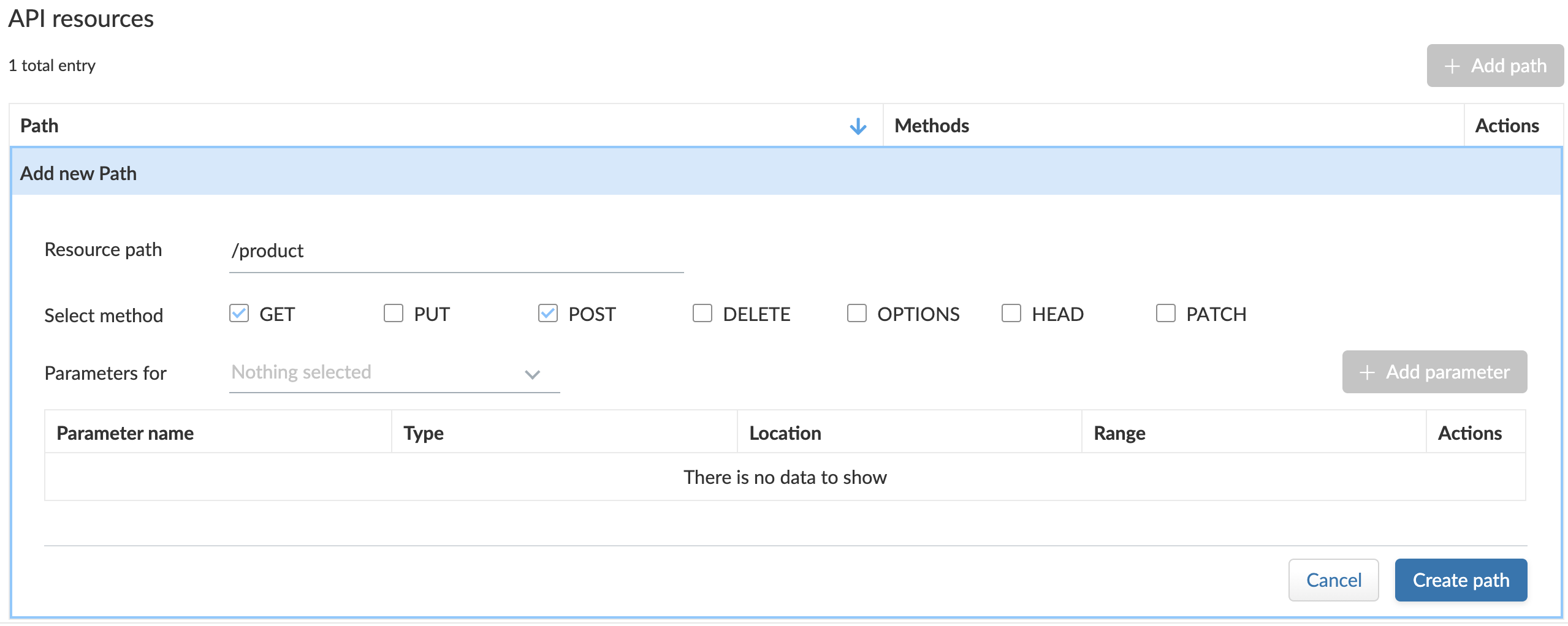
5. Click **Add path**
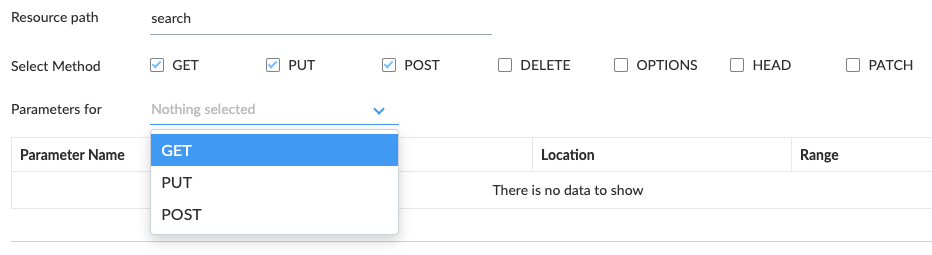
6. Enter **Resource path** (e.g. */product* - resource paths should not end with a trailing *"/"*).
Paths entered in this section are additional subpaths to the base path defined in the previous endpoint section. For example, if in the endpoint definition hostname was set to *"[www.example.com](http://www.example.com)"*, base path set to *"/api/v2/\*"* and in the **API Protection** tab resource path set to *"/product"* - full protected resource would be `www.example.com/api/v2/product`.
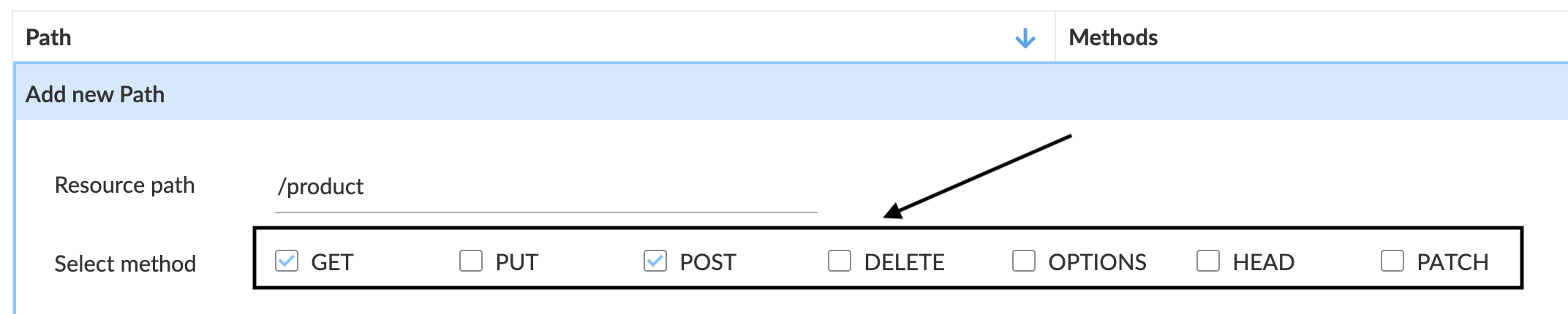
7. Select allowed methods.
8. For each allowed HTTP method, define parameters by selecting the method from **Parameters for** drop-down list.
1. Select an HTTP method from drop-down list.
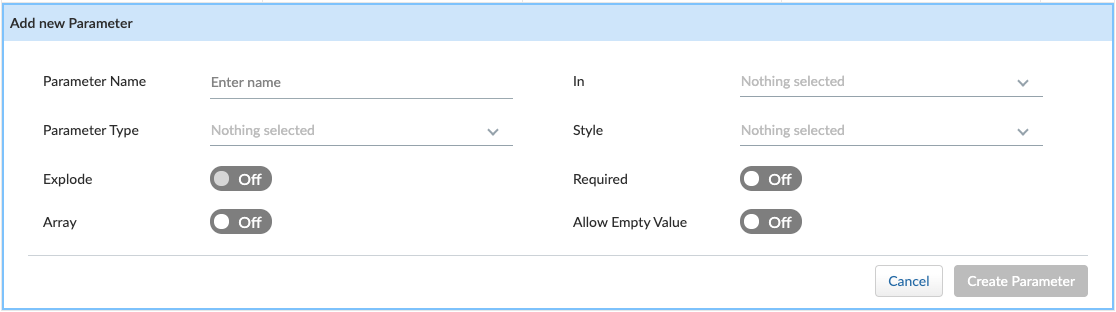
2. Click **Add parameter**.
3. Enter parameter [definition](http://spec.openapis.org/oas/v3.0.3#parameter-object).
9. Configure an **API protection** [action](#actions) for the resources defined under **API resources**, and an [action](#actions) for all other resources.
* **Parameter violation** — Action to be taken when a request sent to one of the specified paths in the API resource list does not comply with the parameter provided definitions.
* **Unspecified path(s)/method(s)** — Action to be taken in one of the following cases:
* Request sent to a resource path that is not specified in the API resources list.
* Request sent using an unsupported HTTP method for a resource path in the API list.
## API Actions
HTTP requests that trigger API protections are subject to one of the following actions:
* **Alert** - Request is passed to the protected application and an audit is generated for visibility.
* **Prevent** - Request is denied from reaching the protected application, an audit is generated, and WAAS responds with an HTML banner indicating the request was blocked.
* **Ban** - Can be applied on either IP addresses or [Prisma Session IDs](/admin-guide/33/web-application-and-api-security-waas/waas-advanced-settings.md#prisma-session). All requests originating from the same IP/Prisma Session to the protected application are denied for the configured time period (default is 5 minutes) following the last detected attack.
To enable ban by Prisma Session ID, you must enable [Prisma Session Cookies](/admin-guide/33/web-application-and-api-security-waas/waas-advanced-settings.md#prisma-session). For more information on enabling Prisma Sessions and configuring ban definitions, see [Advanced Settings](/admin-guide/33/web-application-and-api-security-waas/waas-advanced-settings.md).
* When the X-Forwarded-For HTTP header is included in the request headers, ban will apply based on the first IP listed in the header value (true client IP).
* WAAS implements state, which is required for banning user sessions by IP address. Because Defenders do not share state, any application that is replicated across multiple nodes must enable IP address stickiness on the load balancer.
---
# Agent Instructions
This documentation is published with GitBook. GitBook is the documentation platform designed so that both humans and AI agents can read, navigate, and reason over technical content effectively. Learn more at gitbook.com.
## Querying This Documentation
If you need additional information that is not directly available in this page, you can query the documentation by asking a question.
Perform an HTTP GET request on the following URL with the `ask` and `goal` query parameters:
```
GET https://docs.prismacloud.io/admin-guide/33/web-application-and-api-security-waas/waas-api-protection.md?ask=&goal=
```
`ask` is the immediate question: it should be specific, self-contained, and written in natural language.
`goal` is what the user is ultimately trying to achieve, the reason they need the answer. Sharing it helps GitBook give you a better, more relevant answer. A goal is most helpful when it describes the outcome the user wants rather than restating the question. For example, with `ask=how do I create an API token`, a goal like `automate deployments from our CI pipeline` lets GitBook tailor the answer to that use case.
The response will contain a direct answer to the question and relevant excerpts and sources from the documentation.
Use this mechanism when the answer is not explicitly present in the current page, you need clarification or additional context, or you want to retrieve related documentation sections.