> For the complete documentation index, see [llms.txt](https://docs.prismacloud.io/llms.txt). Markdown versions of documentation pages are available by appending `.md` to page URLs; this page is available as [Markdown](https://docs.prismacloud.io/admin-guide/continuous-integration/set-policy-ci-plugins.md).
# Set policy in the CI plugins
Prisma Cloud lets you centrally define your CI policy in Console. These policies establish security gates at build-time. Use policies to pass or fail builds, and surface security issues early during the development process.
There are two types of policies you can use to target your CI tool: vulnerability policies and compliance policies. CI rules have the same parameters as the rules for registries and deployed components, letting you evenly enforce policy in all phases of the app lifecycle.
Prisma Cloud offers the following components for integrating with CI tools:
* A native Jenkins plugin.
* A stand-alone, statically compiled binary, called *twistcli*, that can be integrated with any CI tool.
## Vulnerability policy
For more information about the parameters in vulnerability management rules, see [here](/admin-guide/vulnerability-management/vuln-management-rules.md).
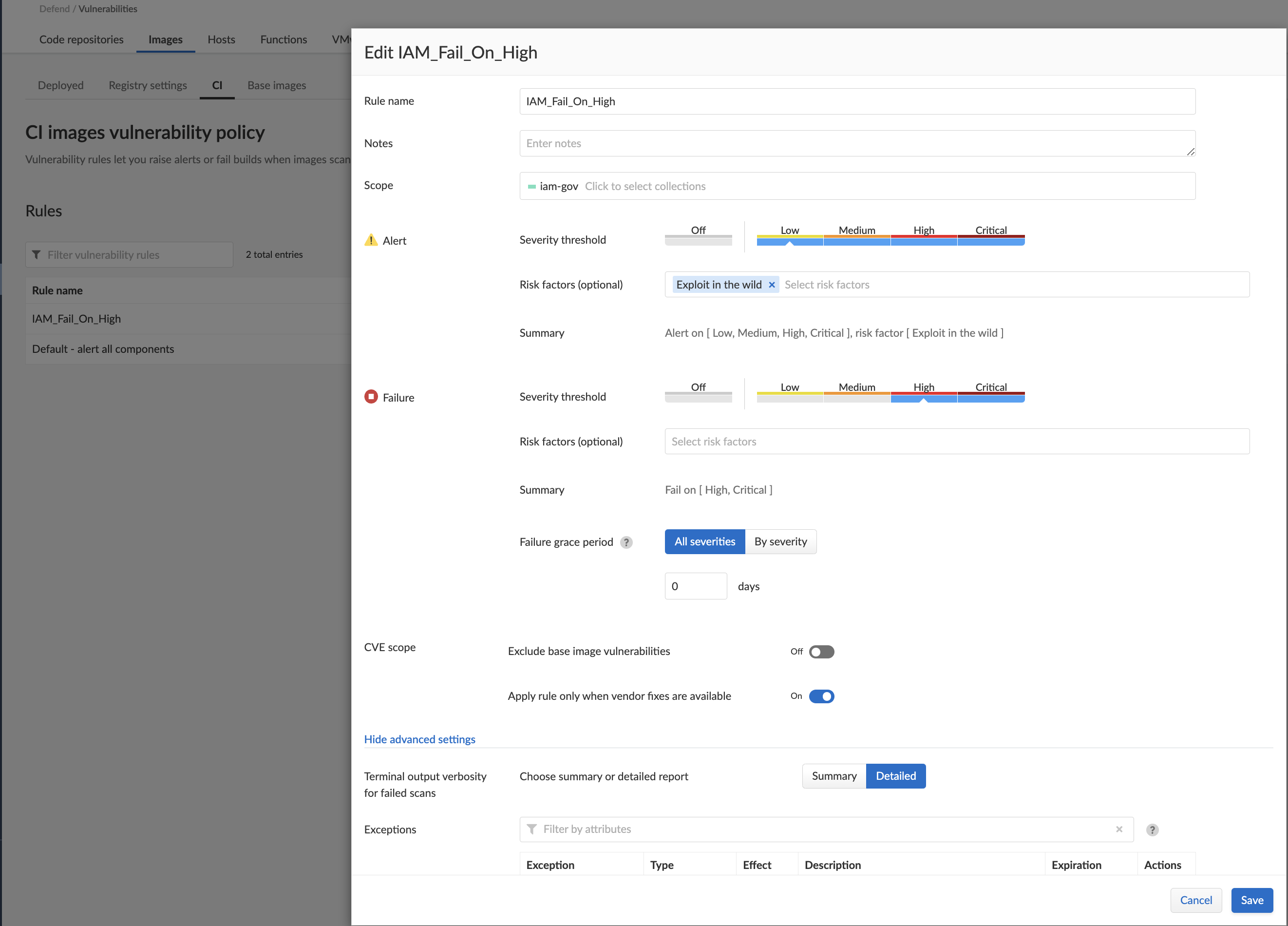
Vulnerability rules that target the build tool can allow specific vulnerabilities by creating an exception and setting the effect to 'ignore'. Block them by creating an exception and setting the effect to 'fail'. For example, you could create a vulnerability rule that explicitly allows CVE-2018-1234 to suppress warnings in the scan results.
Rules take effect as soon as they are saved.
### Create CI Policy for Vulnerabilities
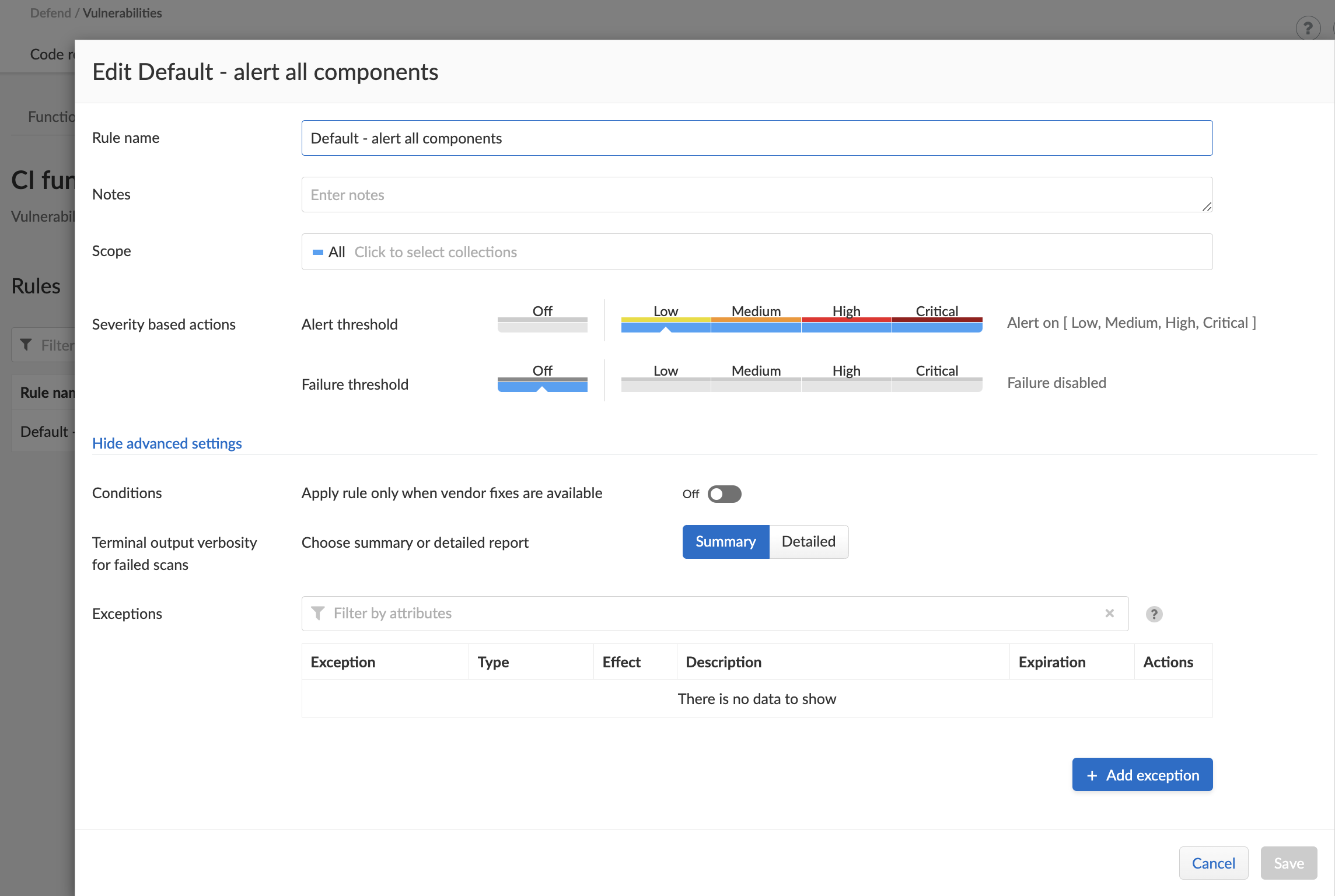
Vulnerability CI policies let you raise alerts or fail builds when images/functions scanned in the CI process have vulnerabilities.
1. Open Console.
2. Go to **Defend > Vulnerabilities > {Images | Functions} > CI**.
3. Select **Add rule**.
4. Enter a **Rule name** and [configure the rule](/admin-guide/vulnerability-management/vuln-management-rules.md).
5. Select **Save**.
6. View the scan report under **Monitor > Vulnerabilities > {Images | Functions} > CI**.
## Compliance policy
The compliance checks in Prisma Cloud are based on the Center for Internet Security (CIS) Docker Benchmarks. We also provide numerous checks from our [lab](/admin-guide/compliance/prisma-cloud-compliance-checks.md). You can also implement your own checks using [custom checks](/admin-guide/compliance/custom-compliance-checks.md).
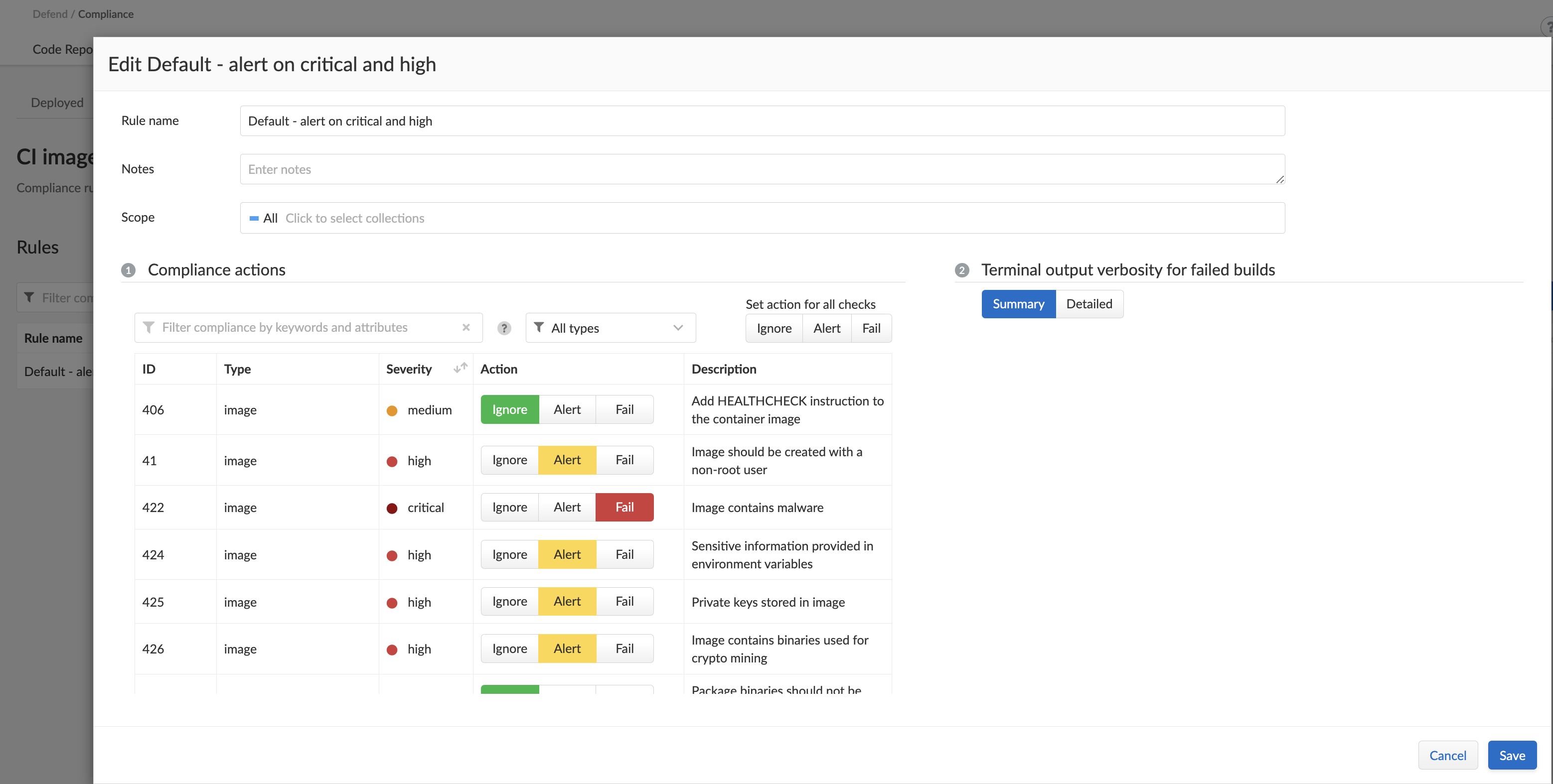
Compliance rules that target the CI tool can permit specific compliance issues by setting the action to 'ignore'.
Rules take effect as soon as they are saved.
### Create CI Policy for Compliance
Compliance CI policies let you monitor, audit, and enforce security and configuration settings for your CI images and functions.
1. Open Console.
2. Go to **Defend > Compliance > {Containers and images | Functions} > CI**.
3. Select **Add rule**.
4. Enter a **Rule name** and configure the rule to [enforce compliance checks](/admin-guide/compliance/manage-compliance.md).
5. Select **Save**.
6. View the scan report under **Monitor > Compliance > {Images | Functions} > CI**.
## Alert Profiles
To surface critical compliance and vulnerabilities events, you can create [alert profiles](https://github.com/PaloAltoNetworks/pc-docs-md/tree/main/compute-edition/34/admin-guide/alerts/alerts.md) for forwarding the alerts to various integrations.
---
# Agent Instructions
This documentation is published with GitBook. GitBook is the documentation platform designed so that both humans and AI agents can read, navigate, and reason over technical content effectively. Learn more at gitbook.com.
## Querying This Documentation
If you need additional information that is not directly available in this page, you can query the documentation by asking a question.
Perform an HTTP GET request on the following URL with the `ask` and `goal` query parameters:
```
GET https://docs.prismacloud.io/admin-guide/continuous-integration/set-policy-ci-plugins.md?ask=&goal=
```
`ask` is the immediate question: it should be specific, self-contained, and written in natural language.
`goal` is what the user is ultimately trying to achieve, the reason they need the answer. Sharing it helps GitBook give you a better, more relevant answer. A goal is most helpful when it describes the outcome the user wants rather than restating the question. For example, with `ask=how do I create an API token`, a goal like `automate deployments from our CI pipeline` lets GitBook tailor the answer to that use case.
The response will contain a direct answer to the question and relevant excerpts and sources from the documentation.
Use this mechanism when the answer is not explicitly present in the current page, you need clarification or additional context, or you want to retrieve related documentation sections.