> For the complete documentation index, see [llms.txt](https://docs.prismacloud.io/llms.txt). Markdown versions of documentation pages are available by appending `.md` to page URLs; this page is available as [Markdown](https://docs.prismacloud.io/content-collections/administration/configure-iam-security/enable-iam-security.md).
# Enable IAM Security
Complete the steps below to enable IAM Security in Prisma Cloud.
1. Onboard your AWS, Azure, or GCP accounts, where you manage IAM, to ensure Prisma Cloud can ingest your IAM data. In the case of Azure, this must be an Azure Active Directory tenant.
* Follow the appropriate onboarding instructions for your cloud environment.
* AWS: Select the [AWS onboarding](https://github.com/PaloAltoNetworks/pc-docs-md/tree/main/enterprise-edition/content-collections/connect/connect-cloud-accounts/onboard-aws/onboard-aws.md) option that best meets your requirements.
* Azure: Azure uses Active Directory tenants to manage IAM. Select your [Azure onboarding](https://github.com/PaloAltoNetworks/pc-docs-md/tree/main/enterprise-edition/content-collections/connect/connect-cloud-accounts/onboard-your-azure-account/onboard-your-azure-account.md) option.
* GCP: Choose your preferred [GCP onboarding](https://github.com/PaloAltoNetworks/pc-docs-md/tree/main/enterprise-edition/content-collections/connect/connect-cloud-accounts/onboard-gcp/onboard-gcp.md) option.
* If you have already onboarded your cloud accounts, you may need to verify that you have granted the Prisma Cloud app/service account the additional permissions required for IAM Security.
* AWS: No additional permissions are required. The Terraform templates you used to onboard your cloud account include the required permissions.
* Azure: Verify [Azure Application permissions](/content-collections/connect/connect-cloud-accounts/onboard-your-azure-account/microsoft-azure-apis-ingested-by-prisma-cloud.md).
* GCP: Grant permissions for ingesting [Google Workspace Groups](/content-collections/connect/connect-cloud-accounts/onboard-gcp/gcp-apis-ingested-by-prisma-cloud.md).
Verify that you have onboarded with AWS CloudTrail so that you can receive excessive permissions alerts.
2. Enable the IAM Security module.
1. Select **Subscription** to see all available options on your Prisma Cloud tenant.
2. Click **Learn More** under the IAM Security icon.
3. Select **Start 30 Day Trial**, and then click **Agree & Submit**.
You can try IAM security for free for 30-days to test out all of the features such as the IAM query, SSO integration, and out-of-the-box IAM policies.
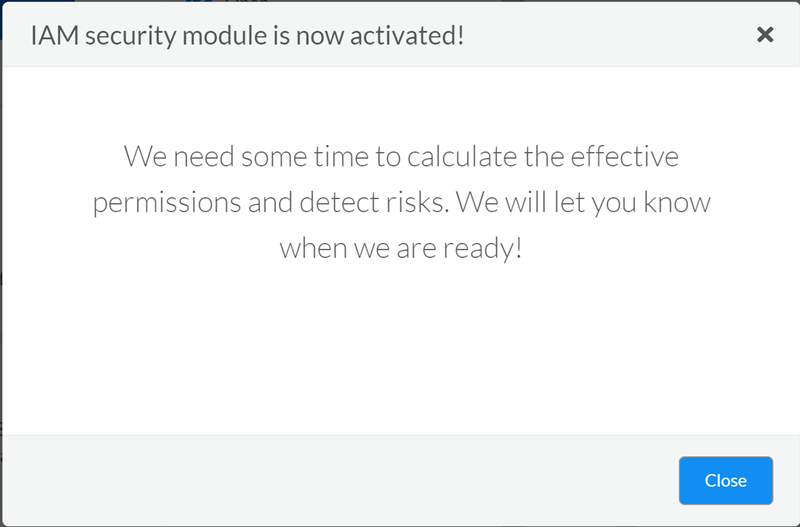
4. Verify that IAM Security is enabled.
3. Investigate with RQL.
After IAM Security is successfully activated, RQL will be extended to include the userinput:\[iam] query. Enter the query for your specific cloud service provider (CSP) below in the **Investigate** tab to confirm that the **iam** module has been enabled:
* AWS: userinput:\[config from iam where source.cloud.type = 'AWS' and source.cloud.resource.type = 'user' and source.cloud.resource.name = 'my-user']
* Azure: userinput:\[config from iam where source.cloud.type = 'Azure' and source.cloud.resource.type = 'user' and source.cloud.resource.name = 'my-user']
* GCP: userinput:\[config from iam where source.cloud.type = 'GCP' and source.cloud.resource.type = 'user' and source.cloud.resource.name = 'my-user']
A green check mark appears in the search field, to indicate that the RQL query is successful and the IAM module is enabled.
## Grant permissions for Ingesting Google Workspace Groups
Ensure that the following prerequisites are met before you attempt to grant Prisma Cloud the required permissions:
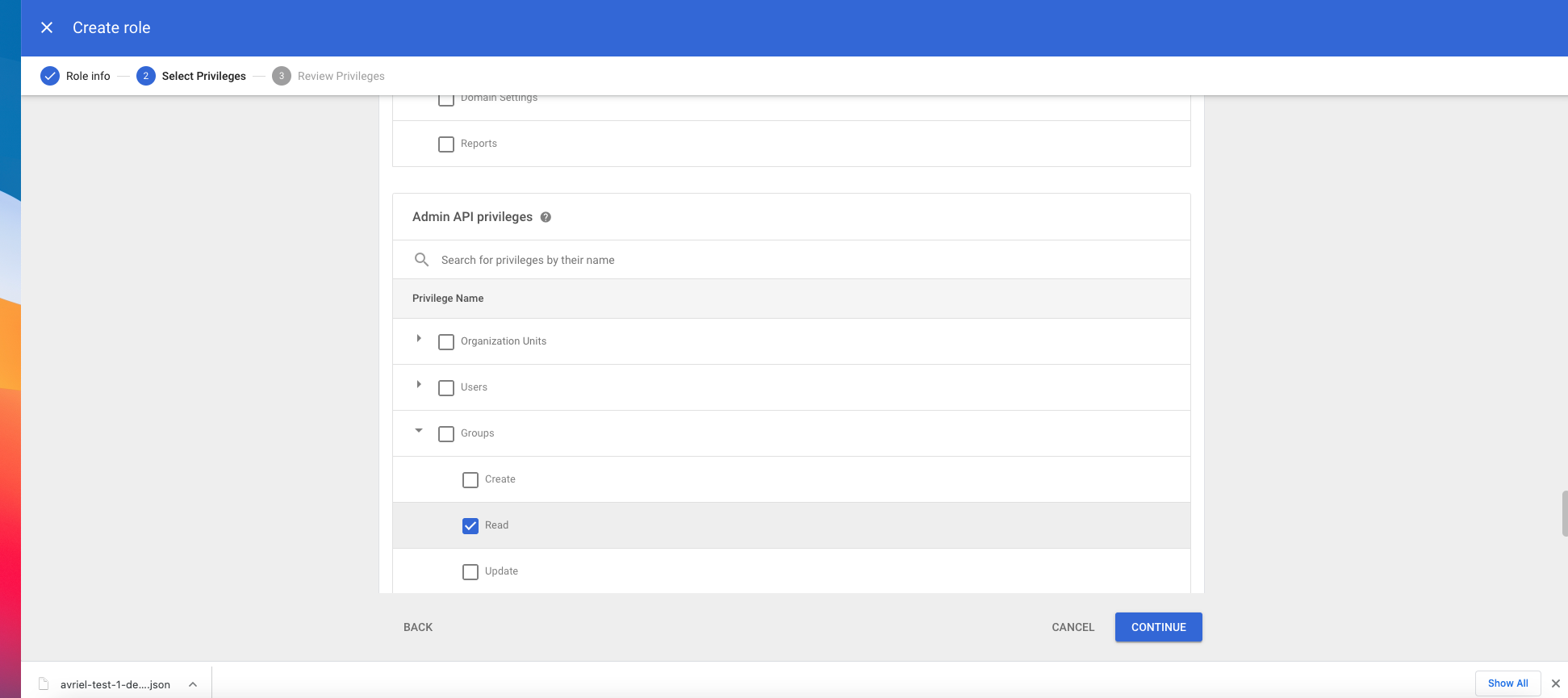
* You must have Administrator access to Google Workspace (GSuite) to grant Prisma Cloud Service Accounts the permissions to ingest data from groups on Google Workspace (GSuite). The permissions required for ingesting data on groups is either the predefined role **Group Reader**, or a custom role with **groups:read** permission. Learn more about [Google IAM Roles](https://cloud.google.com/iam/docs/understanding-roles).
* The **Cloud Asset API** and the **Cloud Identity API** should be enabled in the project where the Prisma Cloud service account was created.
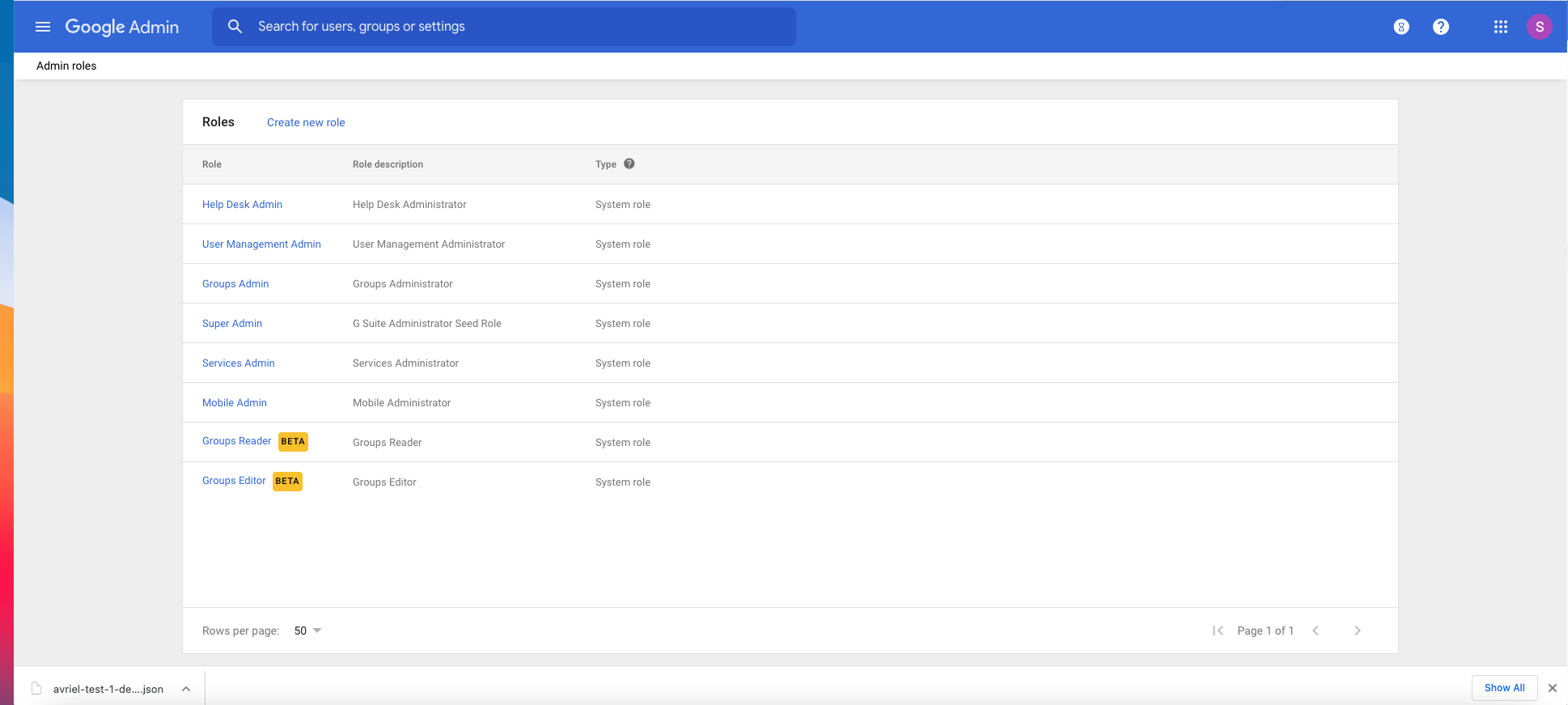
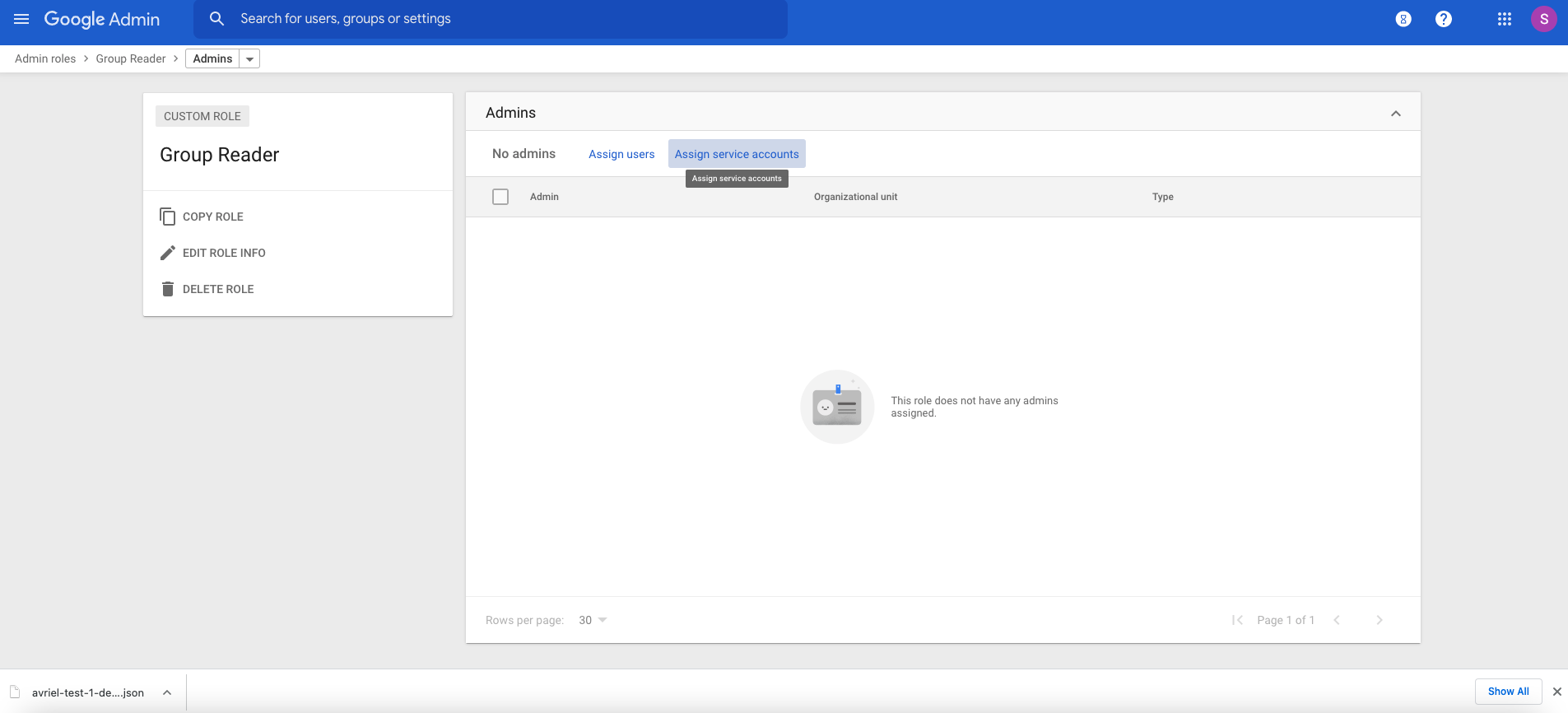
1. Log in to your [Workspace](https://admin.google.com/u/1/ac/roles/26396648347271175).
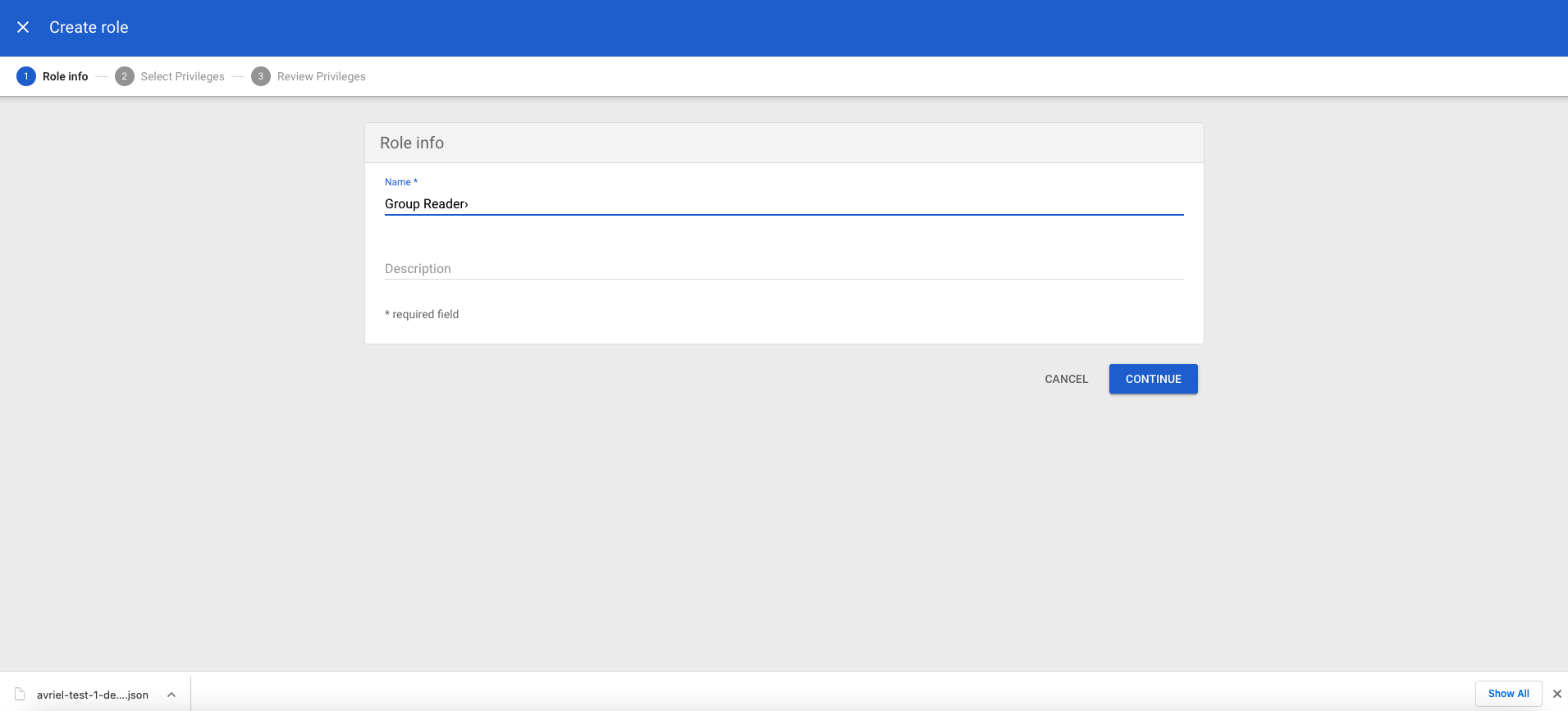
2. Create a new custom role or use the predefined **Group Reader** role.
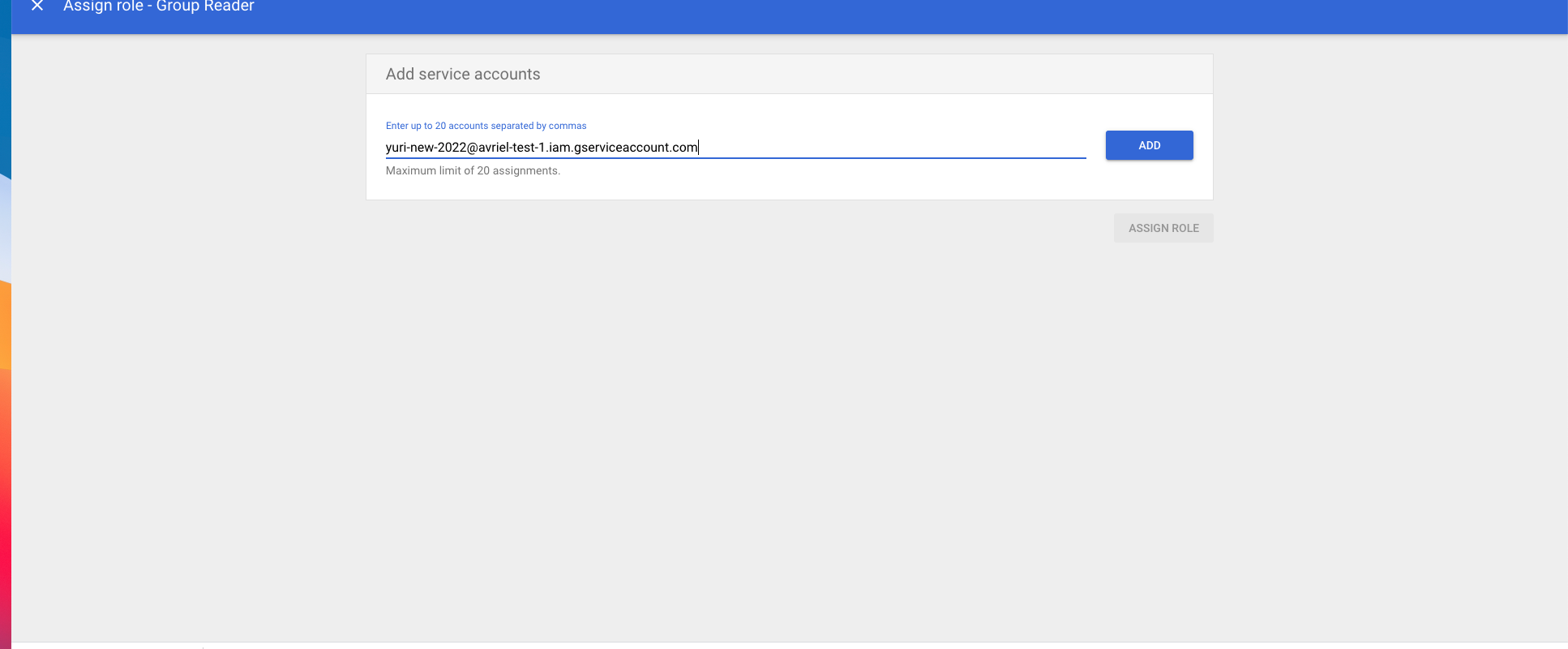
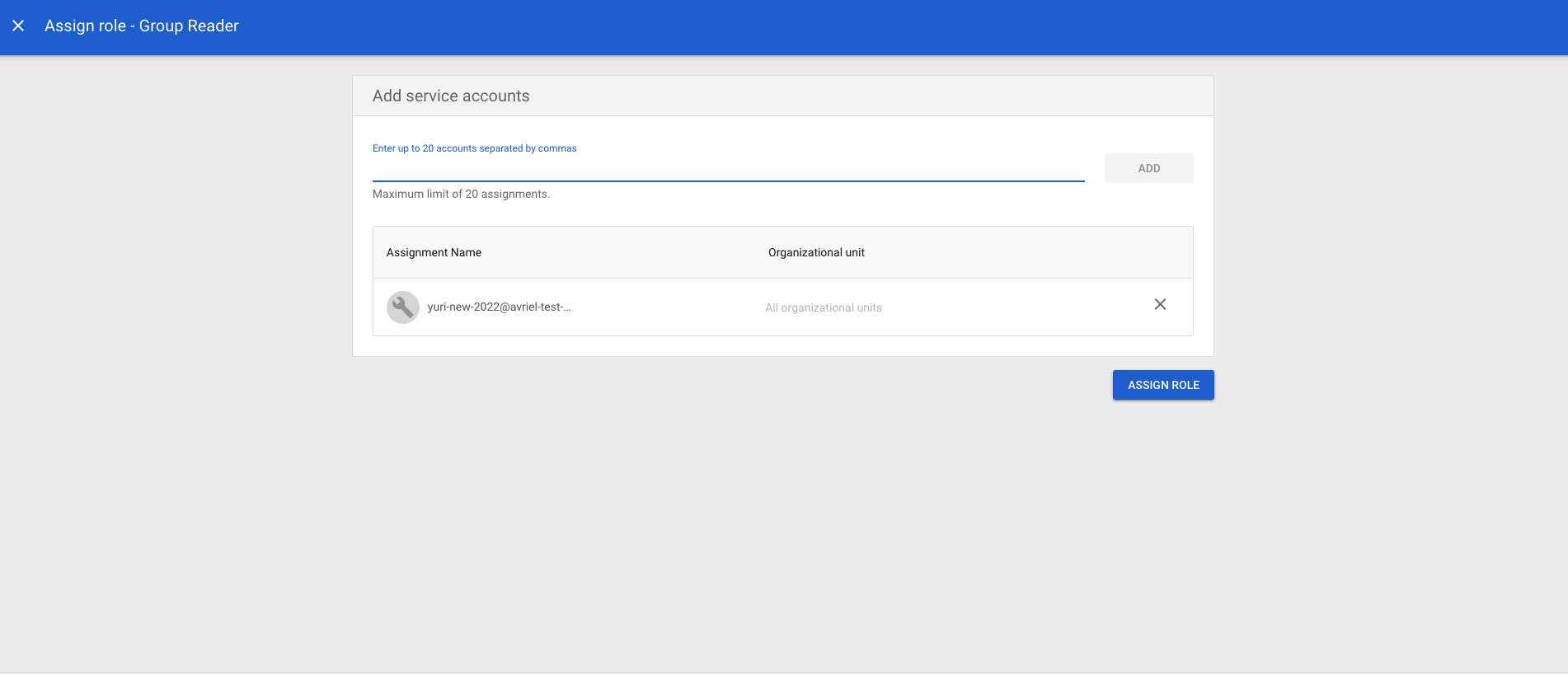
3. Assign the role to the Prisma Cloud service account.
---
# Agent Instructions
This documentation is published with GitBook. GitBook is the documentation platform designed so that both humans and AI agents can read, navigate, and reason over technical content effectively. Learn more at gitbook.com.
## Querying This Documentation
If you need additional information that is not directly available in this page, you can query the documentation dynamically by asking a question.
Perform an HTTP GET request on the current page URL with the `ask` query parameter, and the optional `goal` query parameter:
```
GET https://docs.prismacloud.io/content-collections/administration/configure-iam-security/enable-iam-security.md?ask=&goal=
```
`ask` is the immediate question: it should be specific, self-contained, and written in natural language.
`goal` is optional and describes the broader end goal you are ultimately trying to accomplish on behalf of the user. GitBook uses it to tailor the answer towards what is most useful for that goal.
The response will contain a direct answer to the question and relevant excerpts and sources from the documentation.
Use this mechanism when the answer is not explicitly present in the current page, you need clarification or additional context, or you want to retrieve related documentation sections.